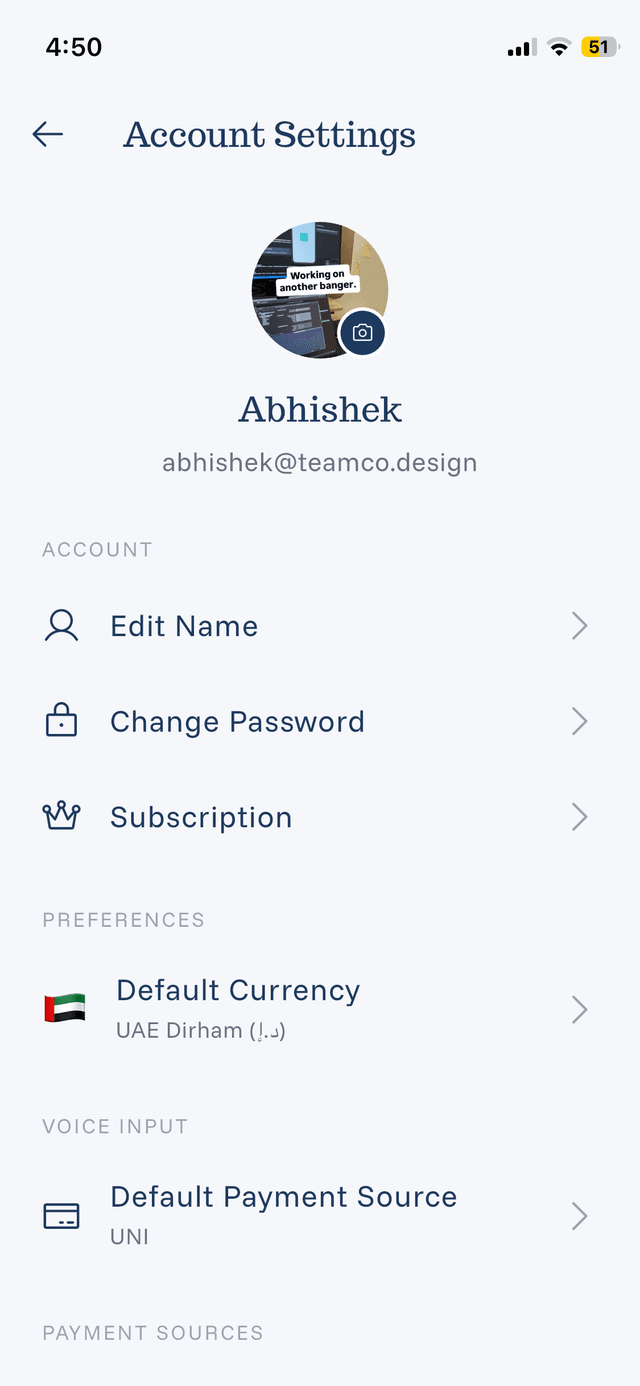
Account Settings Overview
Manage your account and customize eqva money from Settings.
Accessing Settings
Tap your profile icon or Settings from the home screen.
Settings Sections
Profile:
- Your name and photo
- Account information
- Sign out option
Payment Sources:
- Add, edit, remove sources
- Set default source
- Configure source currencies
Preferences:
- Default currency
- Notification settings
- Display preferences
Data:
- Export expenses
- Import data (if available)
- Clear data options
About:
- App version
- Help & Support links
- Privacy policy
- Terms of service
Quick Actions
From Settings you can:
- Update your profile picture
- Change your password
- Manage payment sources
- Export your data
- Contact support
Settings Sync
If you have Pro with cloud sync enabled:
- Settings sync across devices
- Payment sources are shared
- Preferences are synchronized