Recording Your First Expense
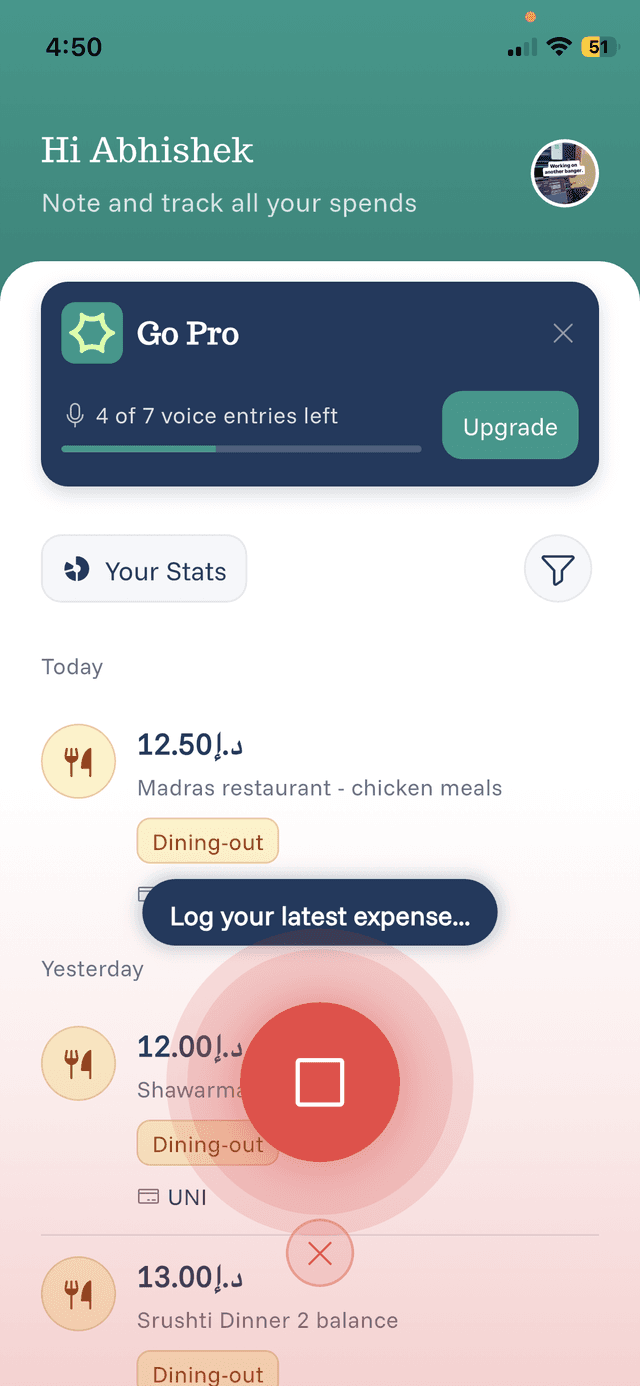
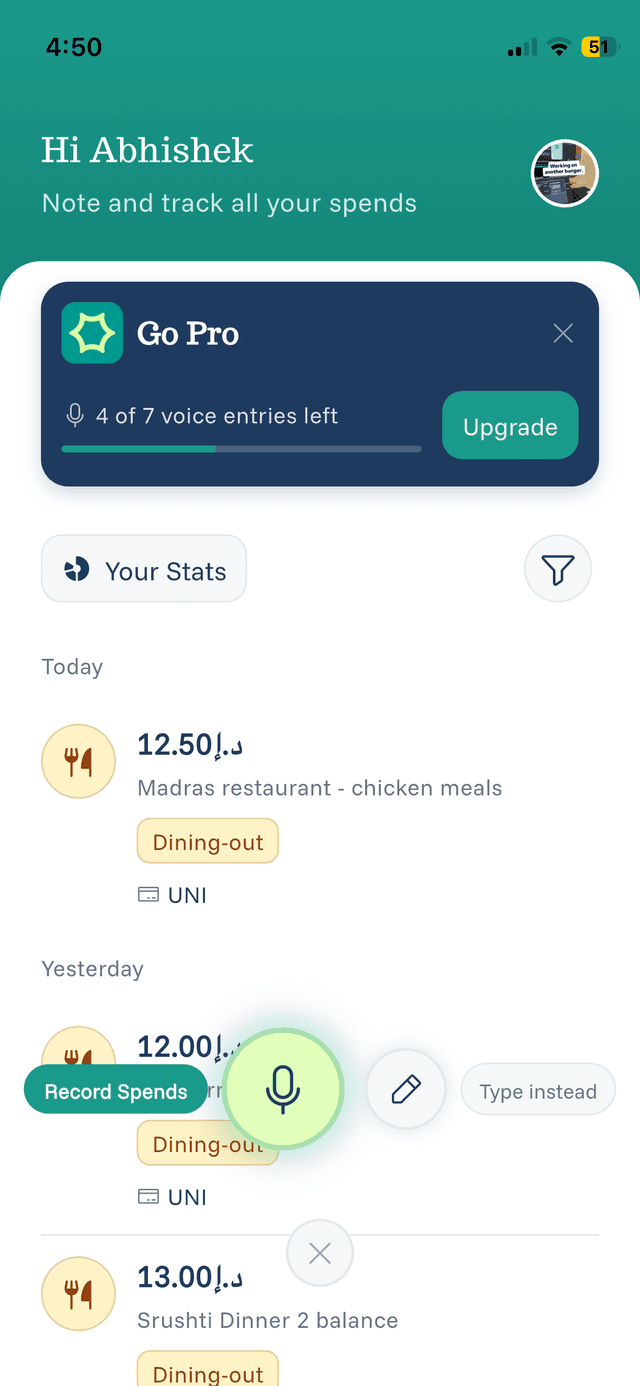
Voice recording is the fastest way to log expenses in eqva money.
How to Record
- Tap the microphone button at the bottom of the home screen
- Speak your expense naturally — For example:
- "Coffee at Starbucks, 5 dollars"
- "Uber to airport, 35 AED"
- "Grocery shopping at Carrefour, 120 dirhams"
- Wait for processing — The AI will extract the details
- Review and confirm — Check the amount, category, and source
What to Include
When speaking, try to include:
- What you bought — Coffee, lunch, groceries, etc.
- Where (optional) — The merchant or location
- How much — The amount with currency if needed
Tips for Best Results
- Speak clearly at a normal pace
- Include the currency if it's different from your default
- You can record multiple expenses in one go