Multi-Currency Statistics
Track spending across all your currencies in one place.
How Multi-Currency Works
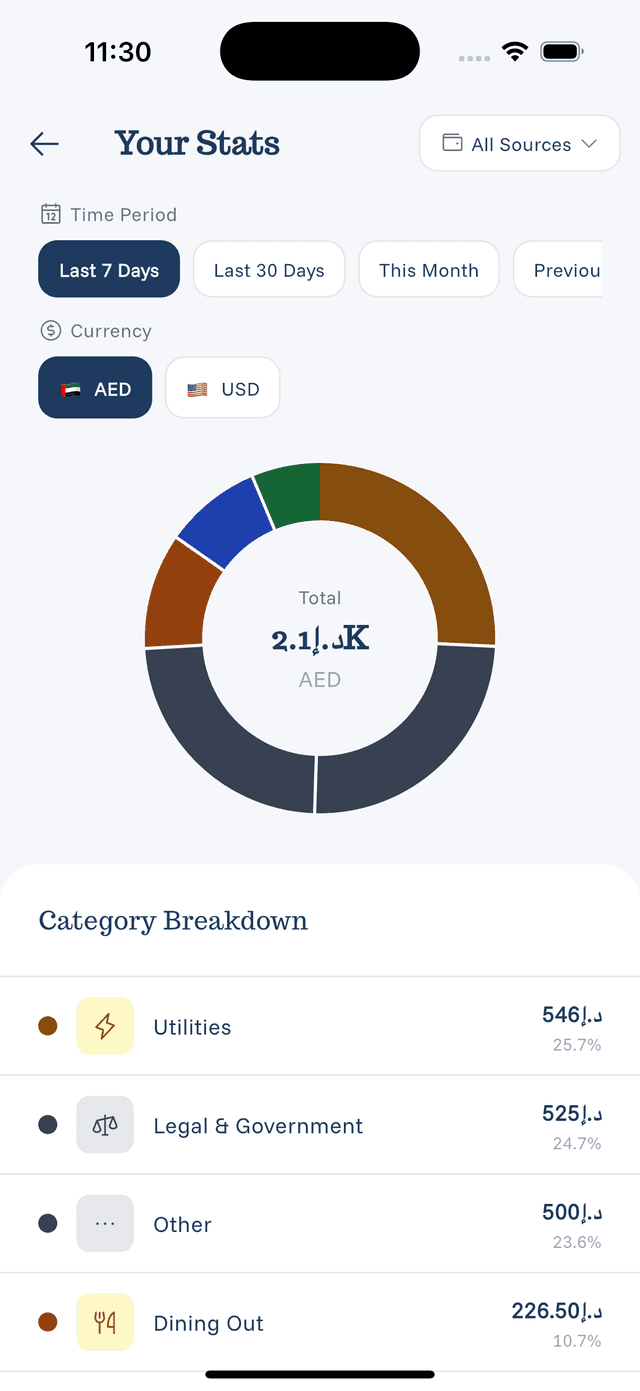
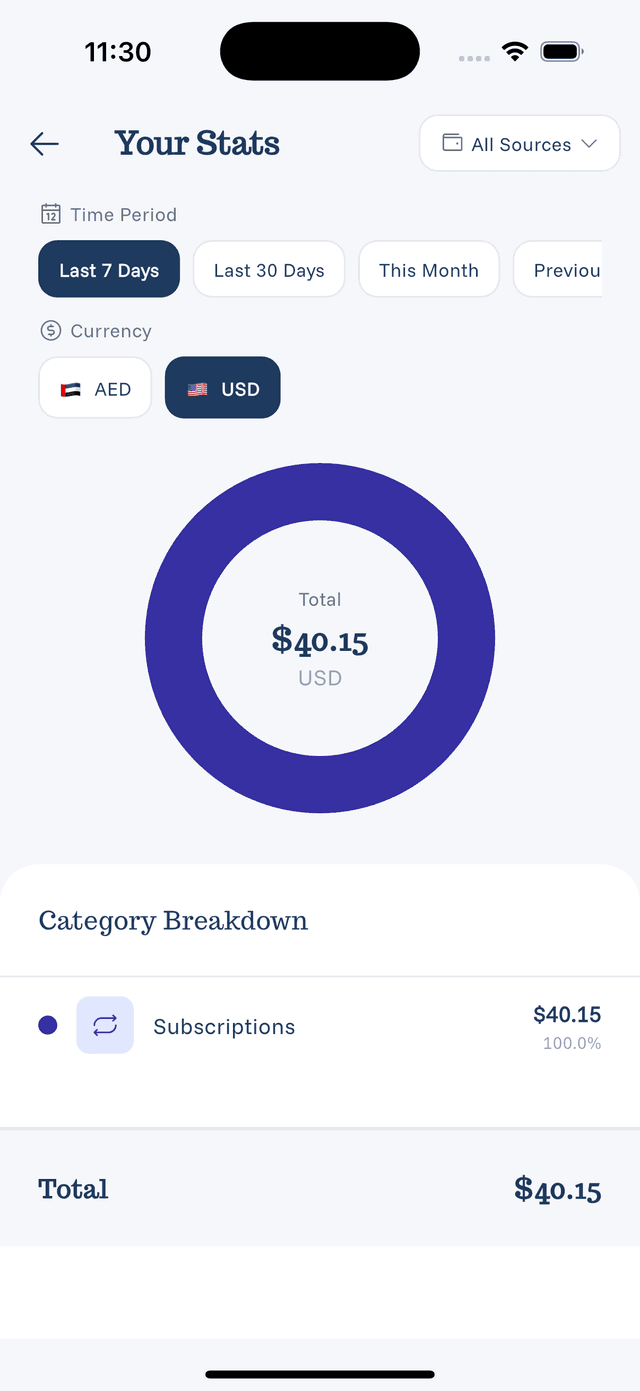
eqva money supports 160+ currencies. When you have expenses in multiple currencies:
- Each currency is tracked separately
- You can view totals per currency
- Charts show breakdown by currency
Viewing Currency Stats
- Open Statistics
- Look for the currency selector or tabs
- Switch between currencies to see respective totals
Currency Display
In your default currency:
- Total converted amount shown
- Original amounts preserved
- Conversion rate at time of entry
Per-currency view:
- Shows only expenses in that currency
- No conversion applied
- Pure spending in that currency
Why This Matters
Multi-currency stats help you:
- Track travel expenses separately
- Manage accounts in different countries
- See real spending without conversion fluctuations
- Budget per currency
Conversion Notes
- Conversions use rates at time of entry
- Editing doesn't update conversion rates
- For accurate totals, enter expenses in correct currencies